

소프트웨어 애플리케이션
MagnaCTRL
차세대 다중 제품 제어
Magna-Power의 최신 MagnaCTRL 소프트웨어는 모든 xGen 제품에 기본으로 제공되며, 현대적이고 기능이 풍부한 다중 제품 제어 플랫폼을 제공합니다. MagnaCTRL은 컴퓨터 기반 제어, 모니터링, 시퀀싱 및 펌웨어 업데이트 기능을 위한 다양한 패널을 제공합니다.
주요 기능

전문가와 상담하기
Magna-Power와 통화 예약
편리한 시간을 선택하고, 필요 시 동료를 추가한 후, Magna-Power의 애플리케이션 엔지니어와 요구 사항을 논의하기 위한 링크가 포함된 통화 초대장을 이메일로 받으십시오.
설명
Video Overview
Explore the capabilities of MagnaCTRL in this short video overview:
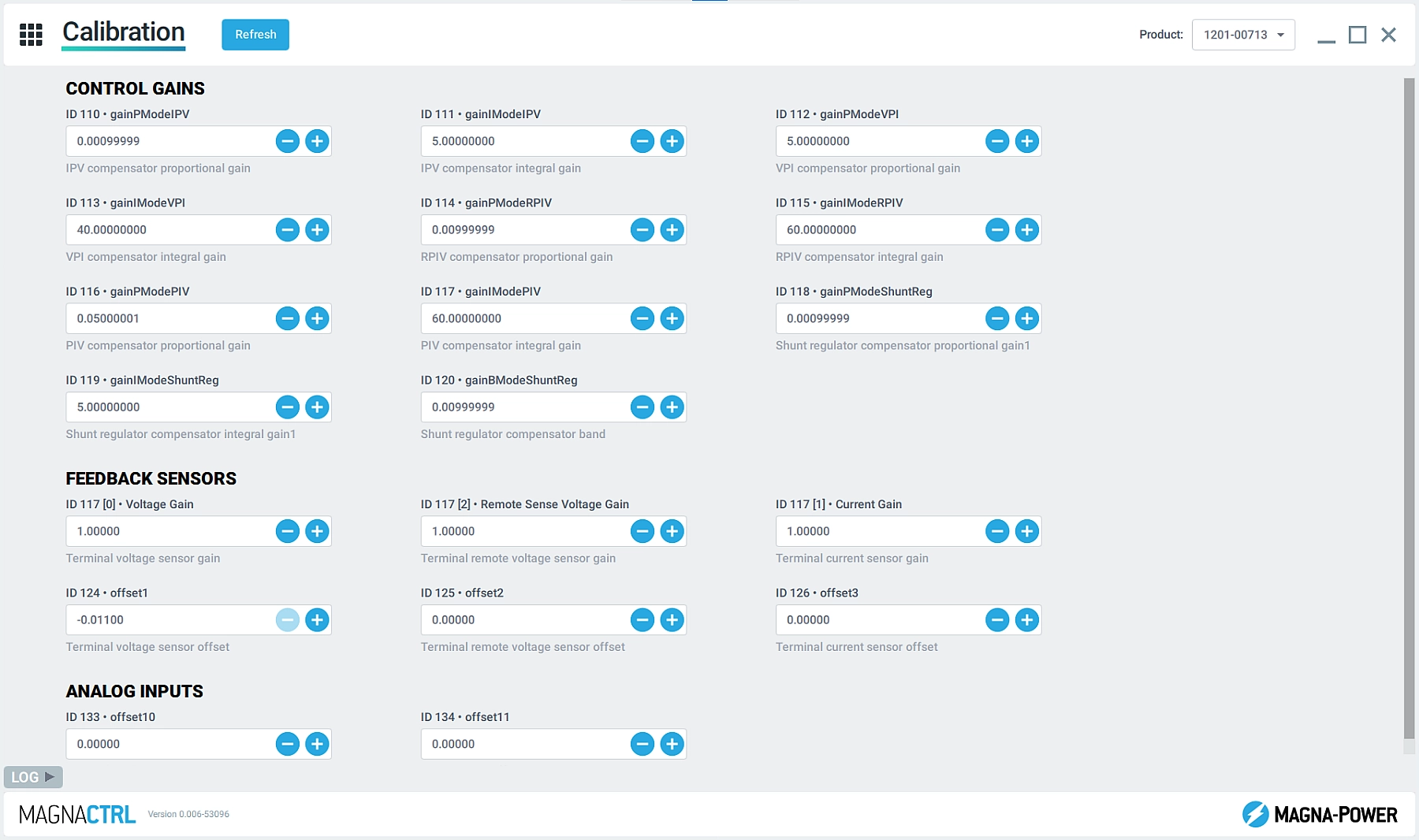
Product Explorer
Easily detect connected products and add them to the Product Explorer to make them accessible in the various MagnaCTRL panels. MagnaCTRL retains the product connection details for future sessions, with the ability Auto Connect when the products are detected.
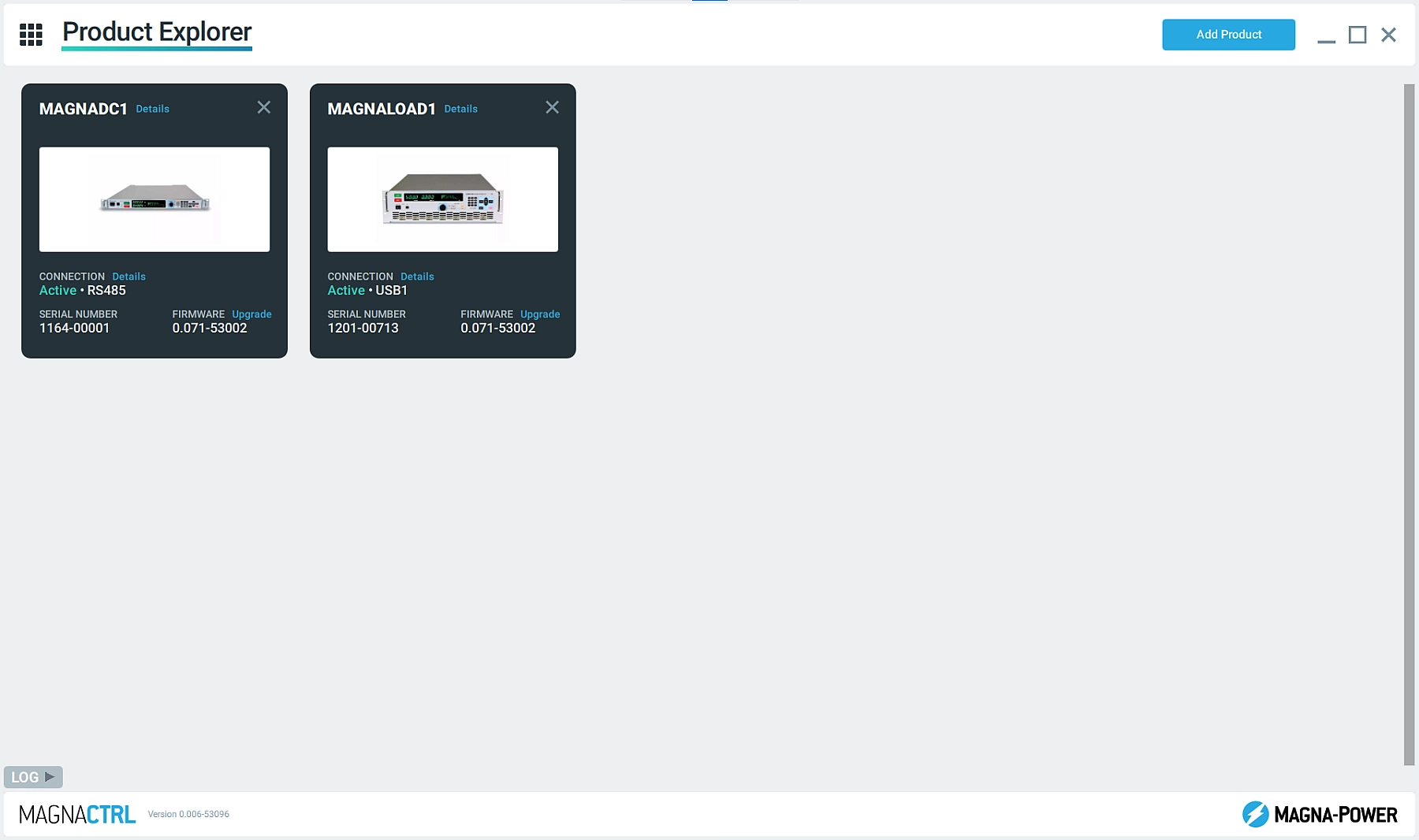
Dashboard Panel
Add and remove widgets from multiple connected Magna-Power products, simultaneously, to build a dashboard using parameters and controls that are important for the specific user. Easily drag and drop widgets to organize the Dashboard.
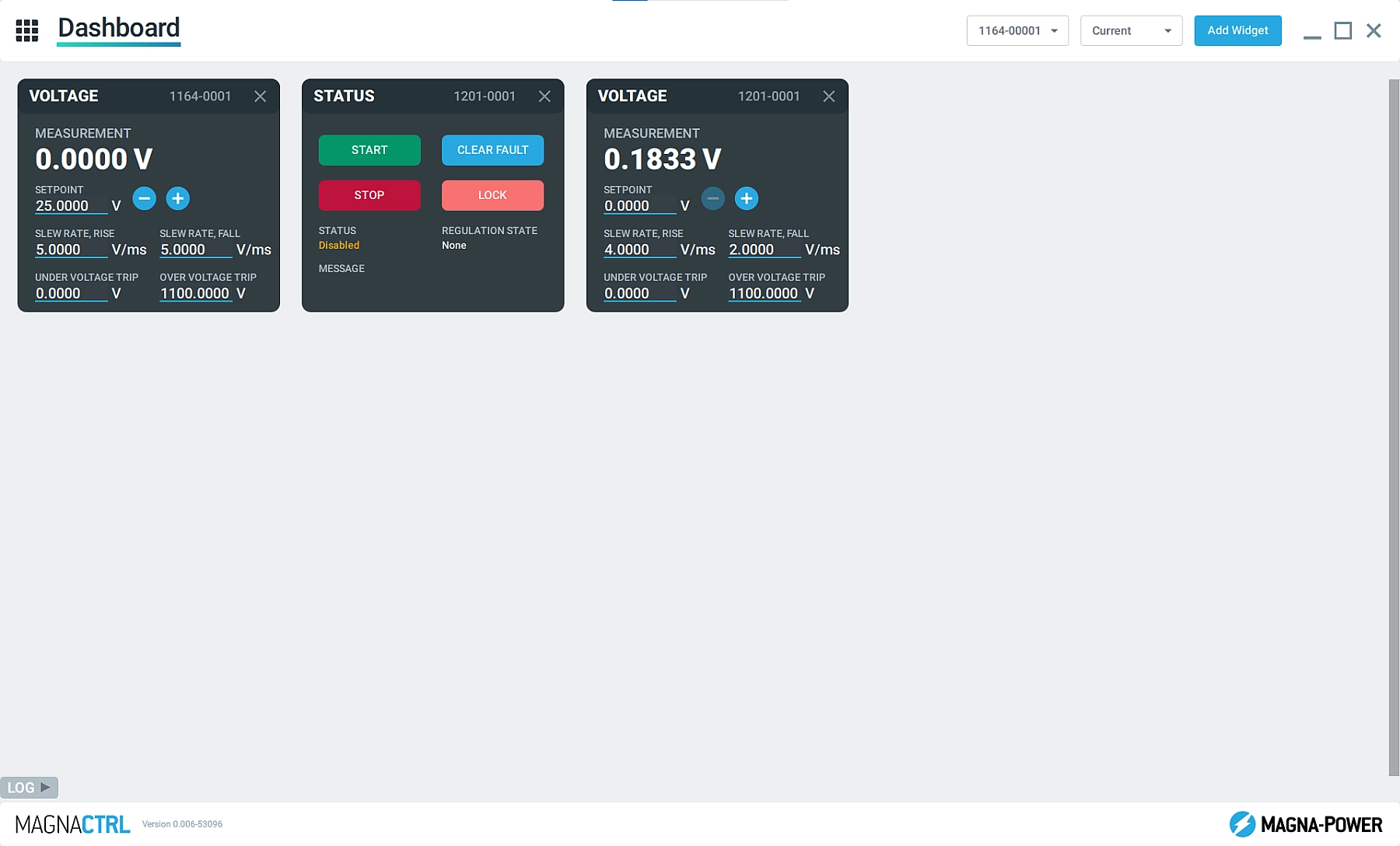
EEPROM Editor
Allow Magna-Power applications and support technicians to look behind-the-scenes at the product’s configuration parameters using the EEPROM Editor.
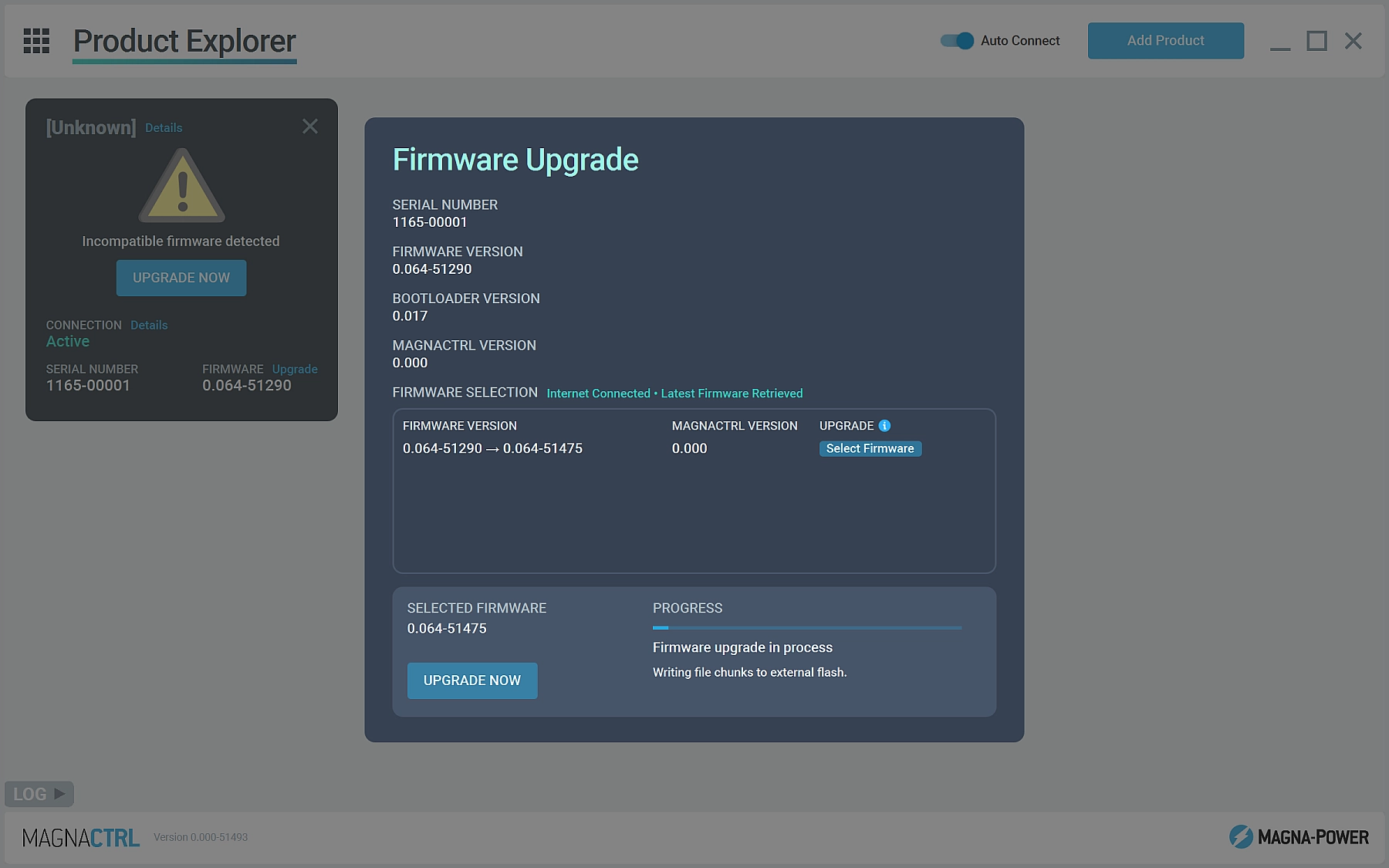
Firmware Update
Detect when new versions of firmware or MagnaCTRL software is available and automatically update. Manual firmware updates can also be performed without internet connection.
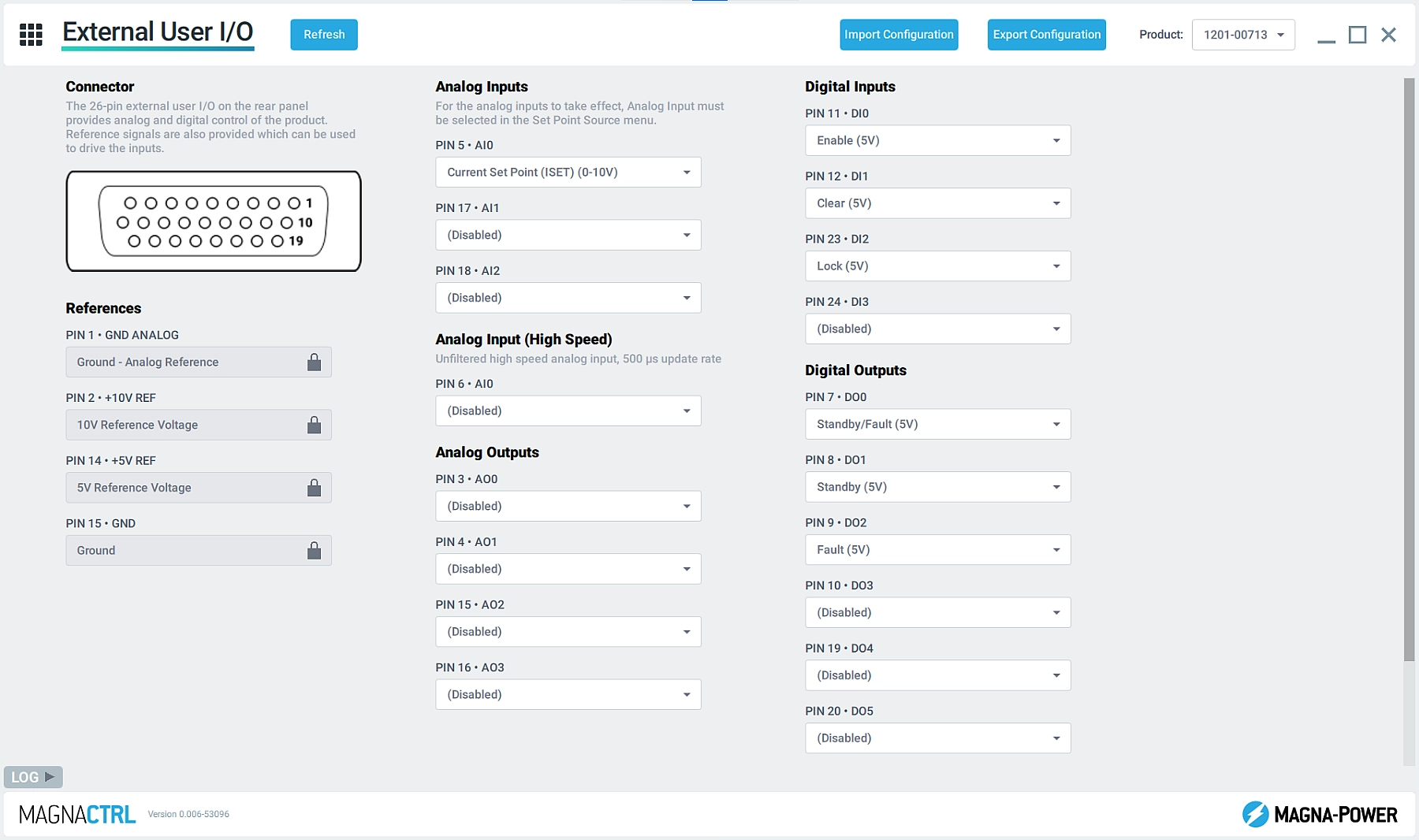
External User I/O
Configure the product's 26-pin external user I/O connector with custom pin mappings, selecting the appropriate parameters for the application. Easily export the pin mappings so they can be imported on other xGen products.
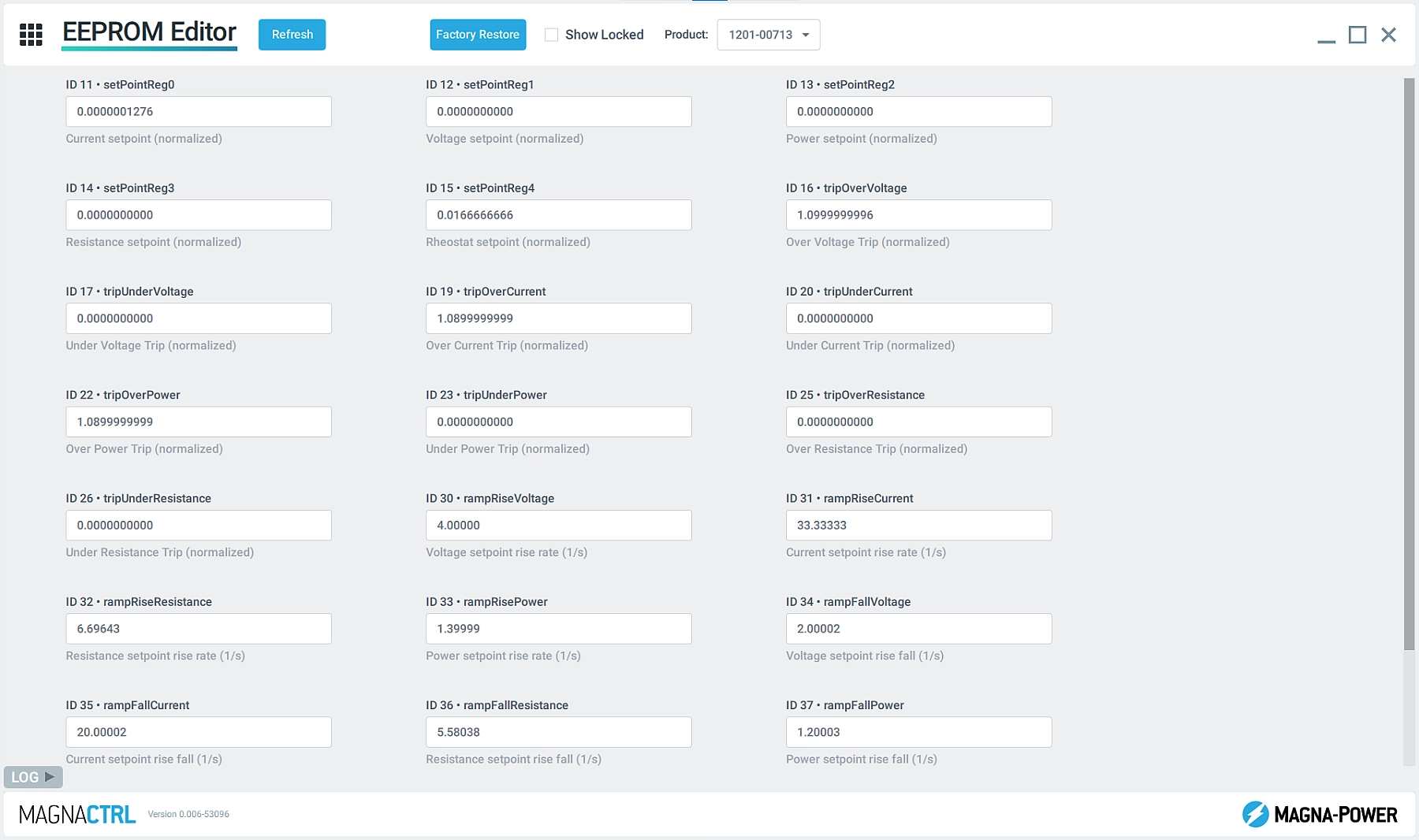
보정
프로그래밍/측정 이득 및 오프셋 값을 통해 제품의 다양한 매개변수를 보정합니다. 또한 Magna-Power의 안내에 따라 제어 루프 이득 매개변수에 액세스하여 제품의 응답을 변경합니다.