

Application logicielle
MagnaCTRL
Contrôle multi-produits de nouvelle génération
Le tout nouveau logiciel MagnaCTRL de Magna-Power est fourni en standard avec tous les produits xGen, offrant une plateforme de contrôle multi-produits moderne et riche en fonctionnalités. MagnaCTRL propose différents panneaux permettant le contrôle par ordinateur, la surveillance, le séquençage et la mise à jour du firmware.
Principales Caractéristiques
- Compatible avec les produits xGen SLx Series et ALx Series
- Contrôle multi-produits depuis un tableau de bord unique et configurable
- Outils d'étalonnage en boîte fermée
- Configuration des E/S utilisateur avec import/export pour des déploiements rapides
- Mises à jour du firmware détectées automatiquement lors de leur publication (voir le Changelog)

Parlez à un expert
Planifier un appel avec Magna-Power
Choisissez un horaire qui vous convient, ajoutez éventuellement des collègues, puis recevez par e-mail une invitation à un appel avec un lien pour discuter de votre besoin avec les ingénieurs applicatifs de Magna-Power.
Description
Video Overview
Explore the capabilities of MagnaCTRL in this short video overview:
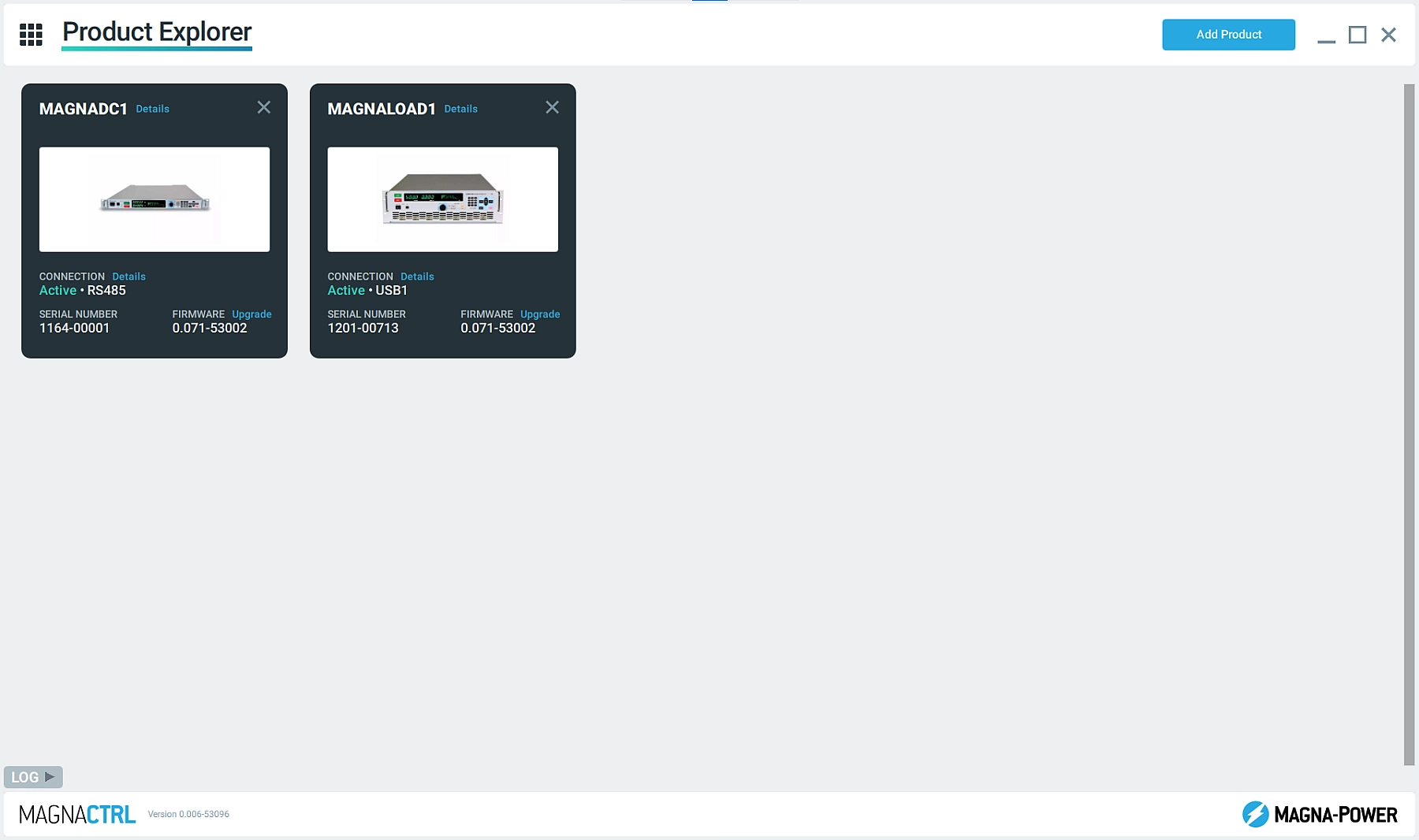
Product Explorer
Easily detect connected products and add them to the Product Explorer to make them accessible in the various MagnaCTRL panels. MagnaCTRL retains the product connection details for future sessions, with the ability Auto Connect when the products are detected.
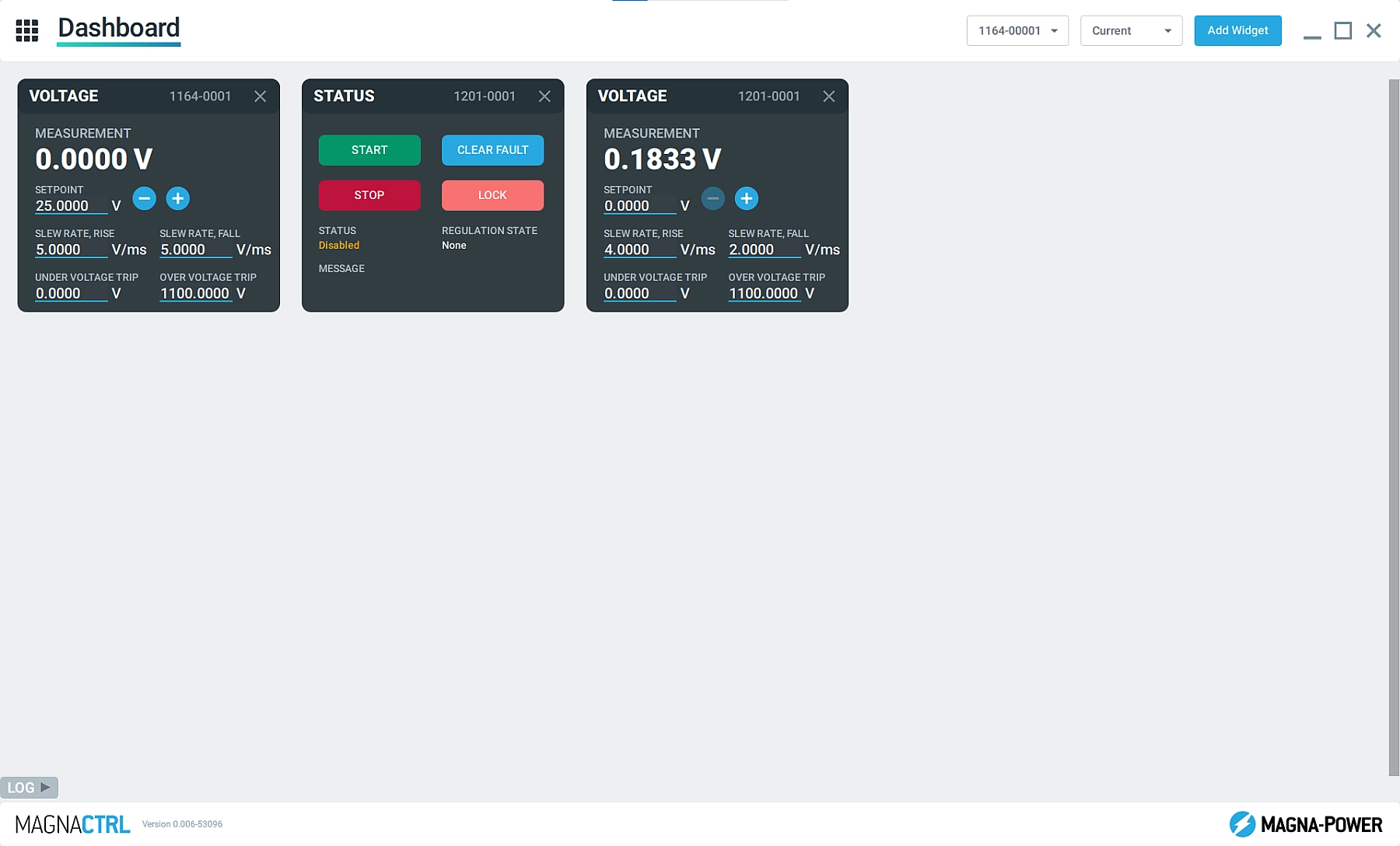
Dashboard Panel
Add and remove widgets from multiple connected Magna-Power products, simultaneously, to build a dashboard using parameters and controls that are important for the specific user. Easily drag and drop widgets to organize the Dashboard.
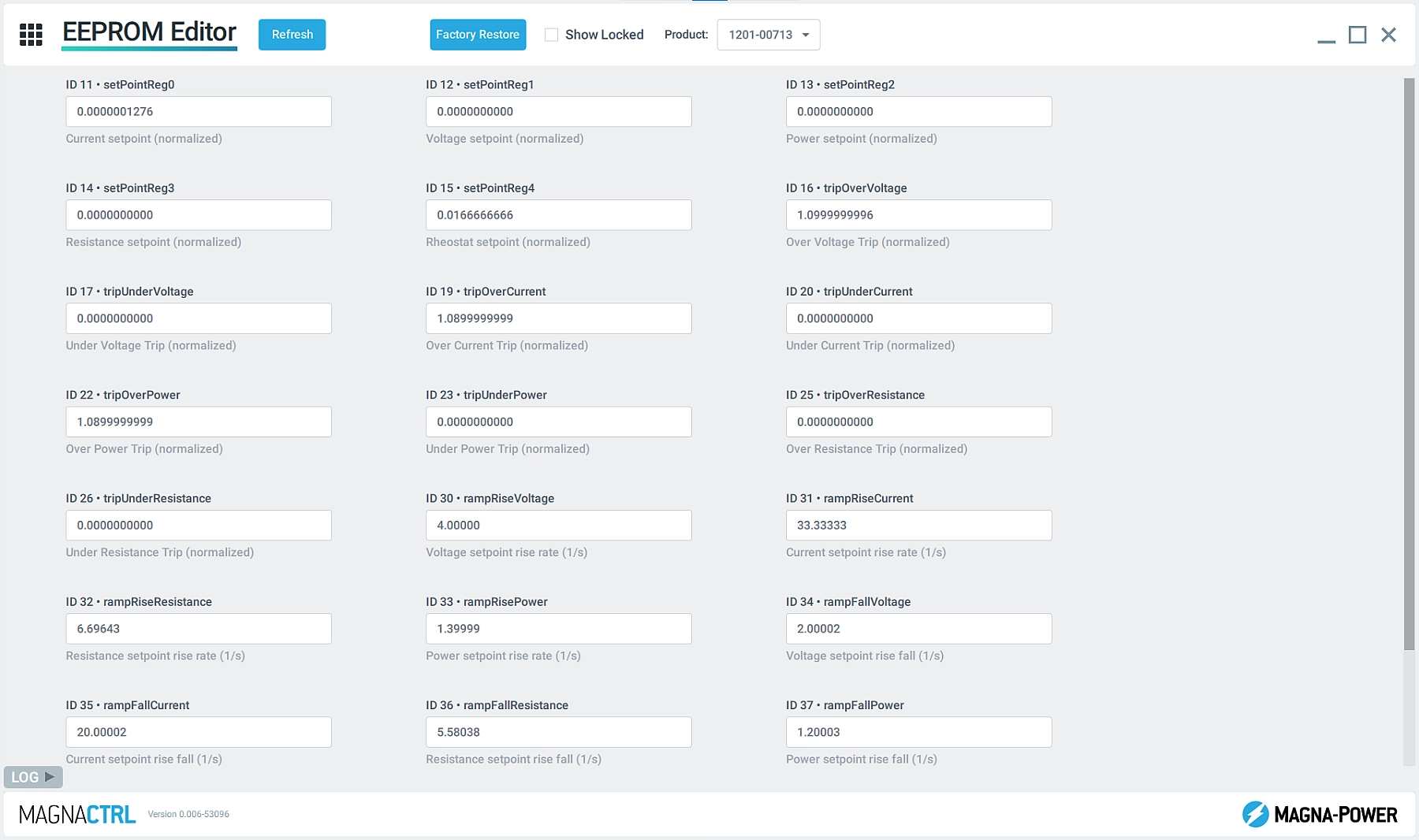
EEPROM Editor
Allow Magna-Power applications and support technicians to look behind-the-scenes at the product’s configuration parameters using the EEPROM Editor.
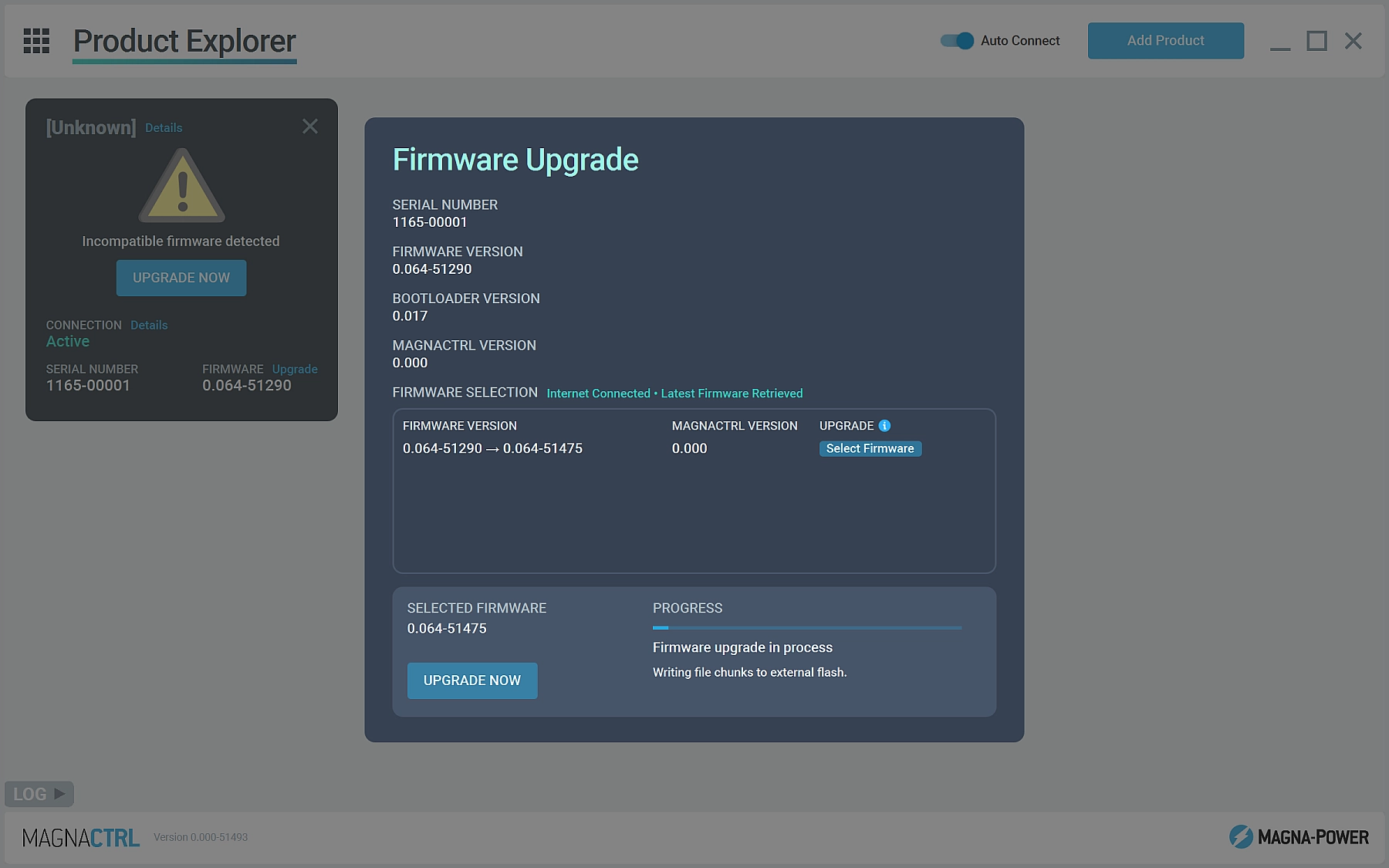
Firmware Update
Detect when new versions of firmware or MagnaCTRL software is available and automatically update. Manual firmware updates can also be performed without internet connection.
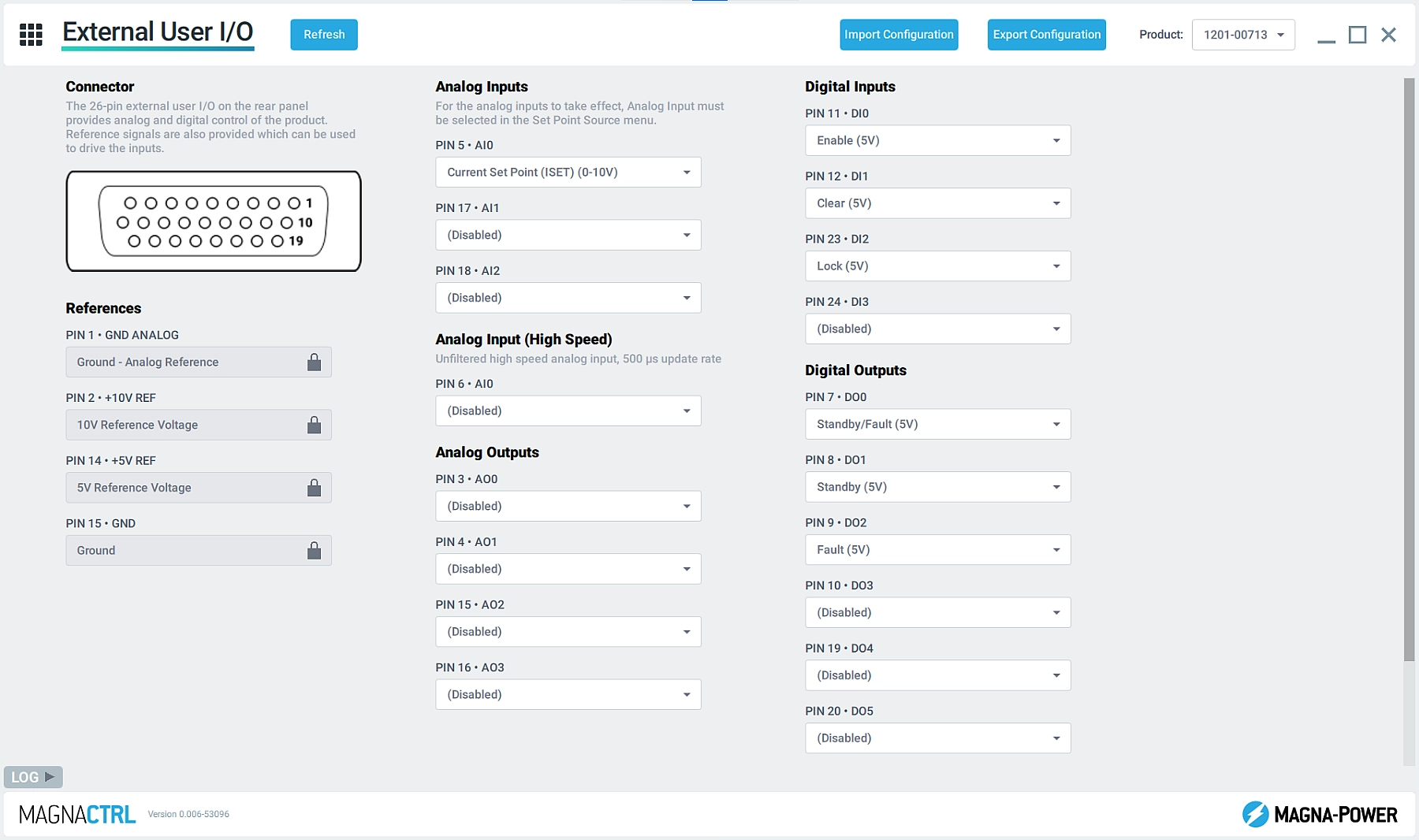
External User I/O
Configure the product's 26-pin external user I/O connector with custom pin mappings, selecting the appropriate parameters for the application. Easily export the pin mappings so they can be imported on other xGen products.
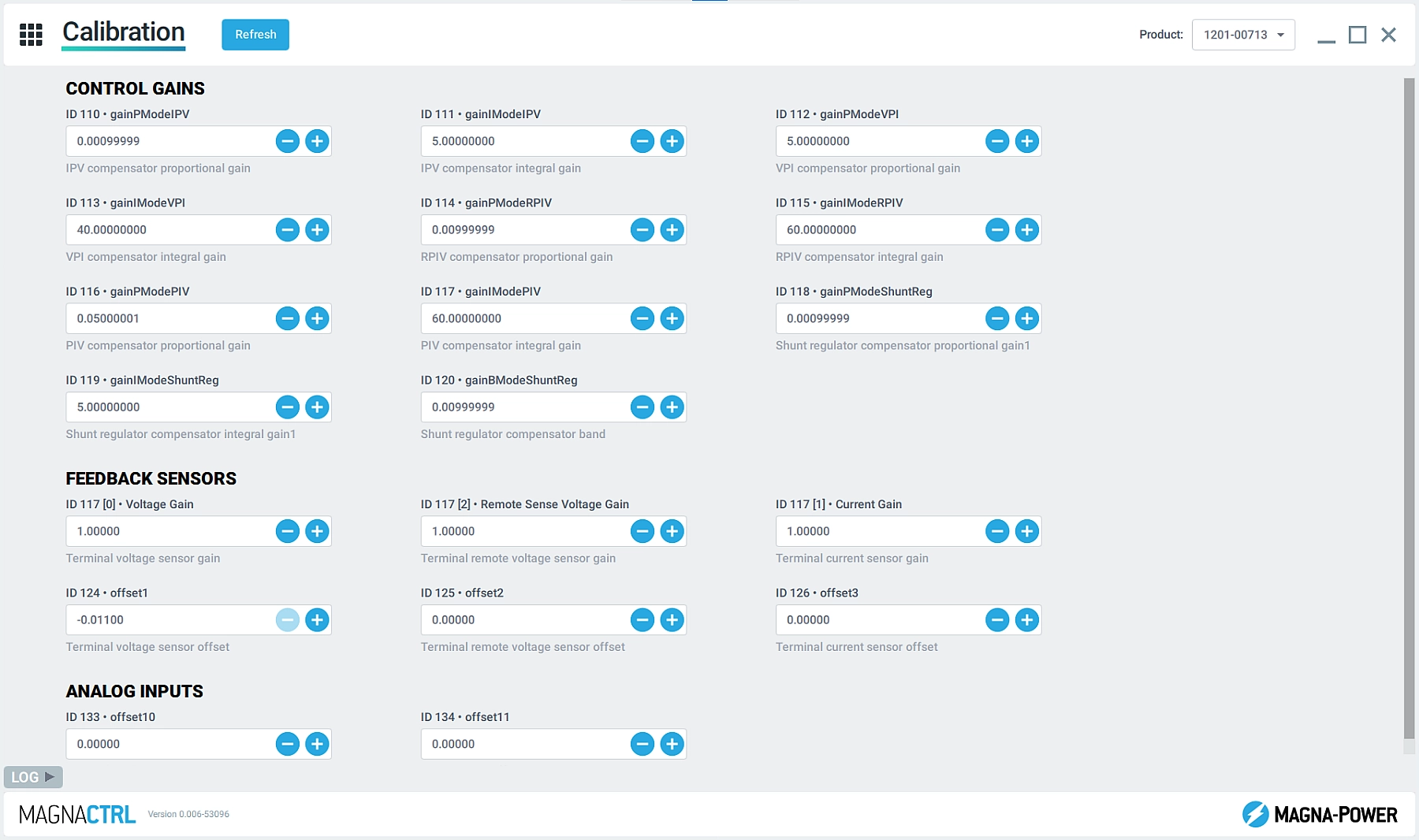
Étalonnage
Étalonnez les différents paramètres du produit en programmant/mesurant les valeurs de gain et d'offset. De plus, sous la direction de Magna-Power, accédez aux paramètres de gain de la boucle de contrôle pour modifier la réponse du produit.