

软件应用
MagnaCTRL
新一代多产品控制
Magna-Power 全新 MagnaCTRL 软件随所有 xGen 产品标准配备,提供现代化、功能丰富的多产品控制平台。MagnaCTRL 提供多种面板,支持基于计算机的控制、监控、序列操作及固件更新功能。
主要特点

与专家交谈
预约与 Magna-Power 的通话
选择适合您的时间,可选择添加同事,然后通过电子邮件接收带链接的通话邀请,与 Magna-Power 的应用工程师讨论您的需求。
描述
Video Overview
Explore the capabilities of MagnaCTRL in this short video overview:
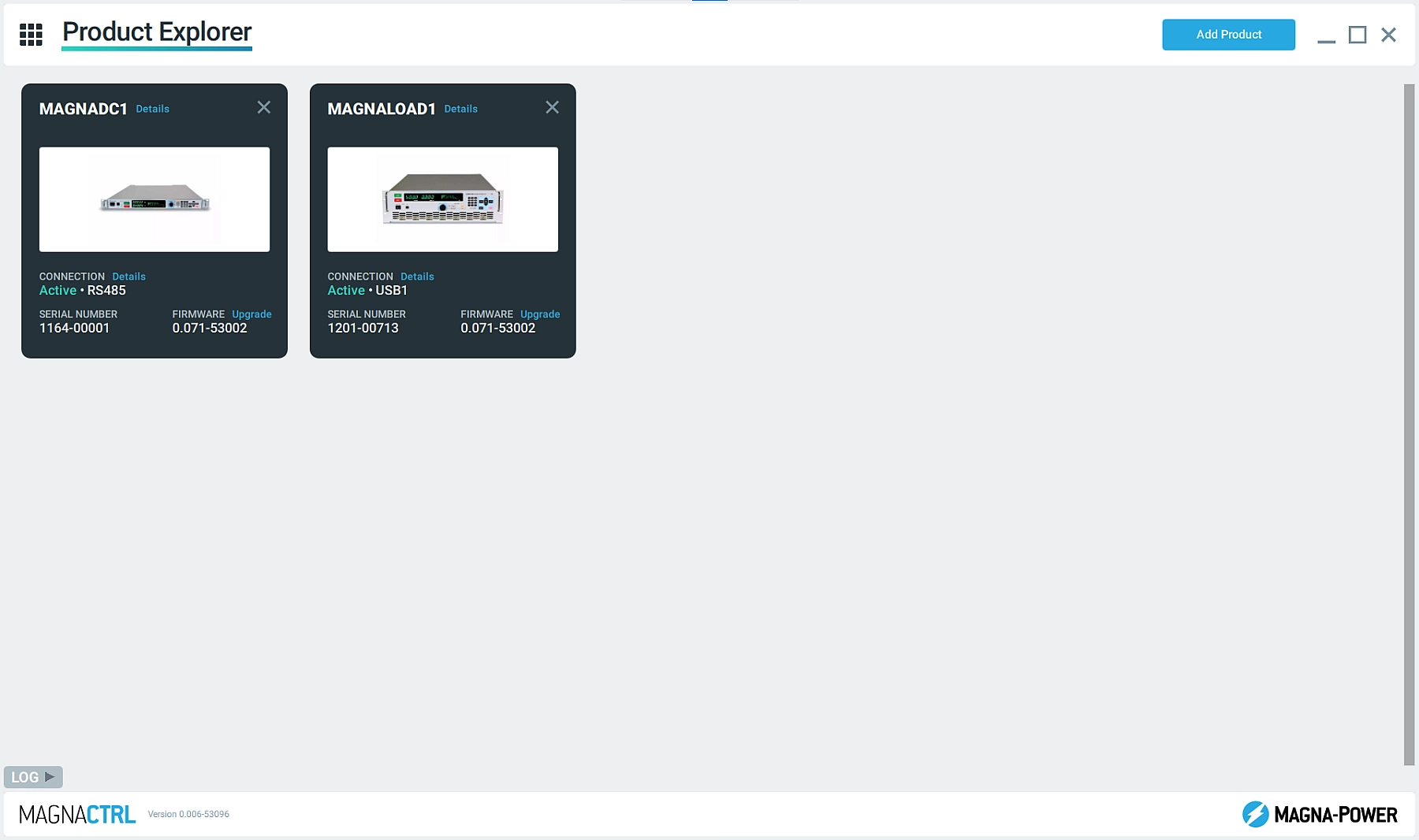
Product Explorer
Easily detect connected products and add them to the Product Explorer to make them accessible in the various MagnaCTRL panels. MagnaCTRL retains the product connection details for future sessions, with the ability Auto Connect when the products are detected.
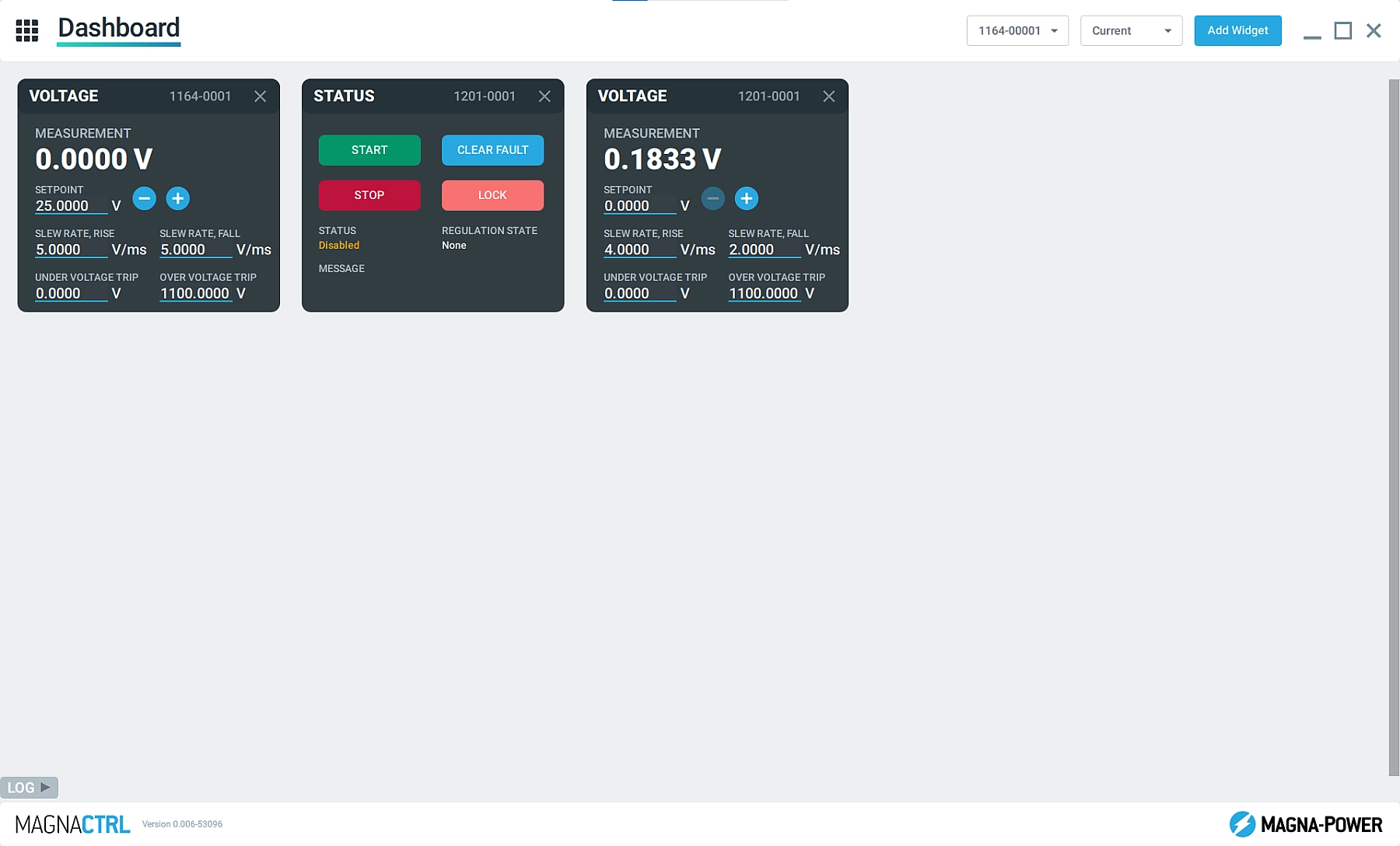
Dashboard Panel
Add and remove widgets from multiple connected Magna-Power products, simultaneously, to build a dashboard using parameters and controls that are important for the specific user. Easily drag and drop widgets to organize the Dashboard.
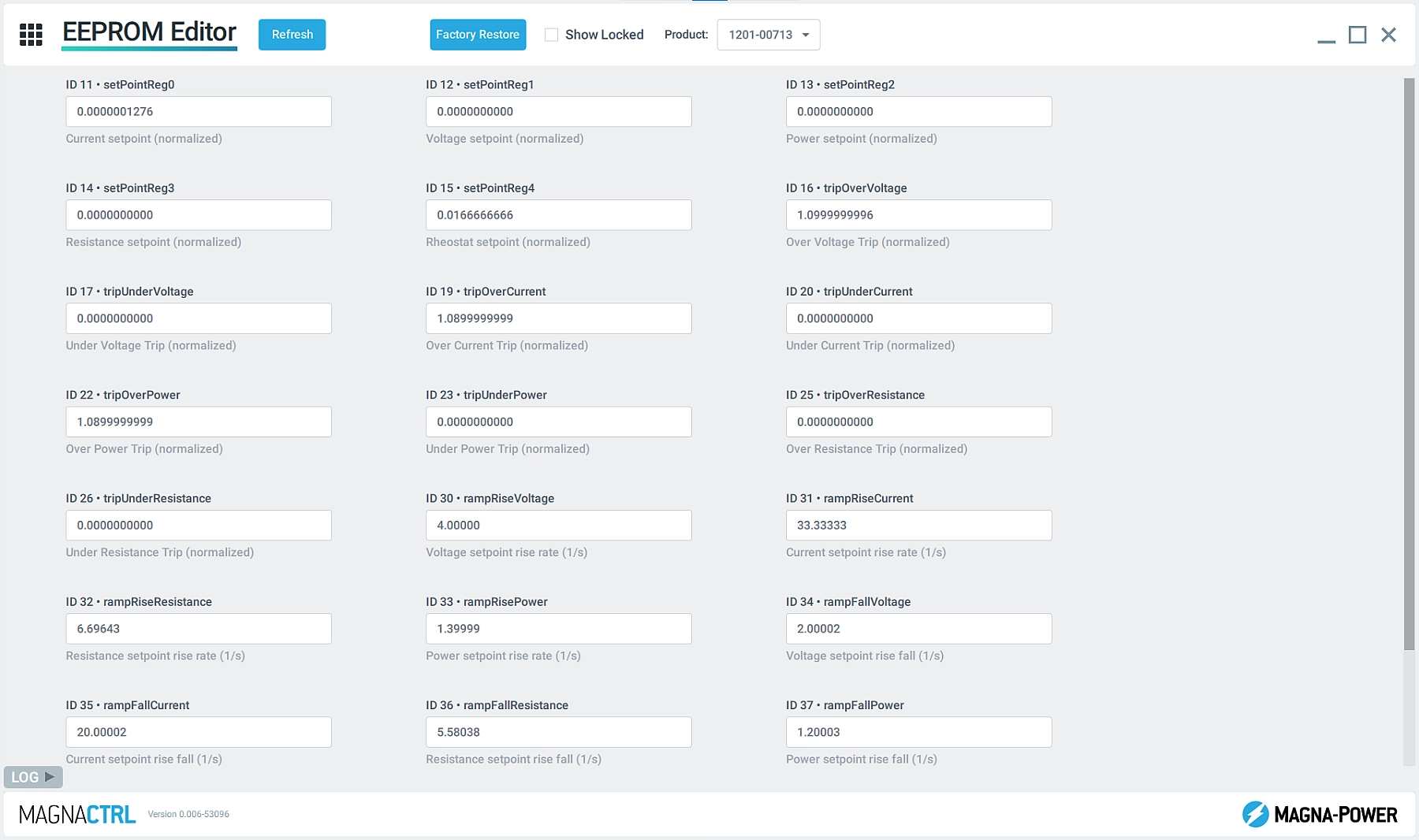
EEPROM Editor
Allow Magna-Power applications and support technicians to look behind-the-scenes at the product’s configuration parameters using the EEPROM Editor.
Firmware Update
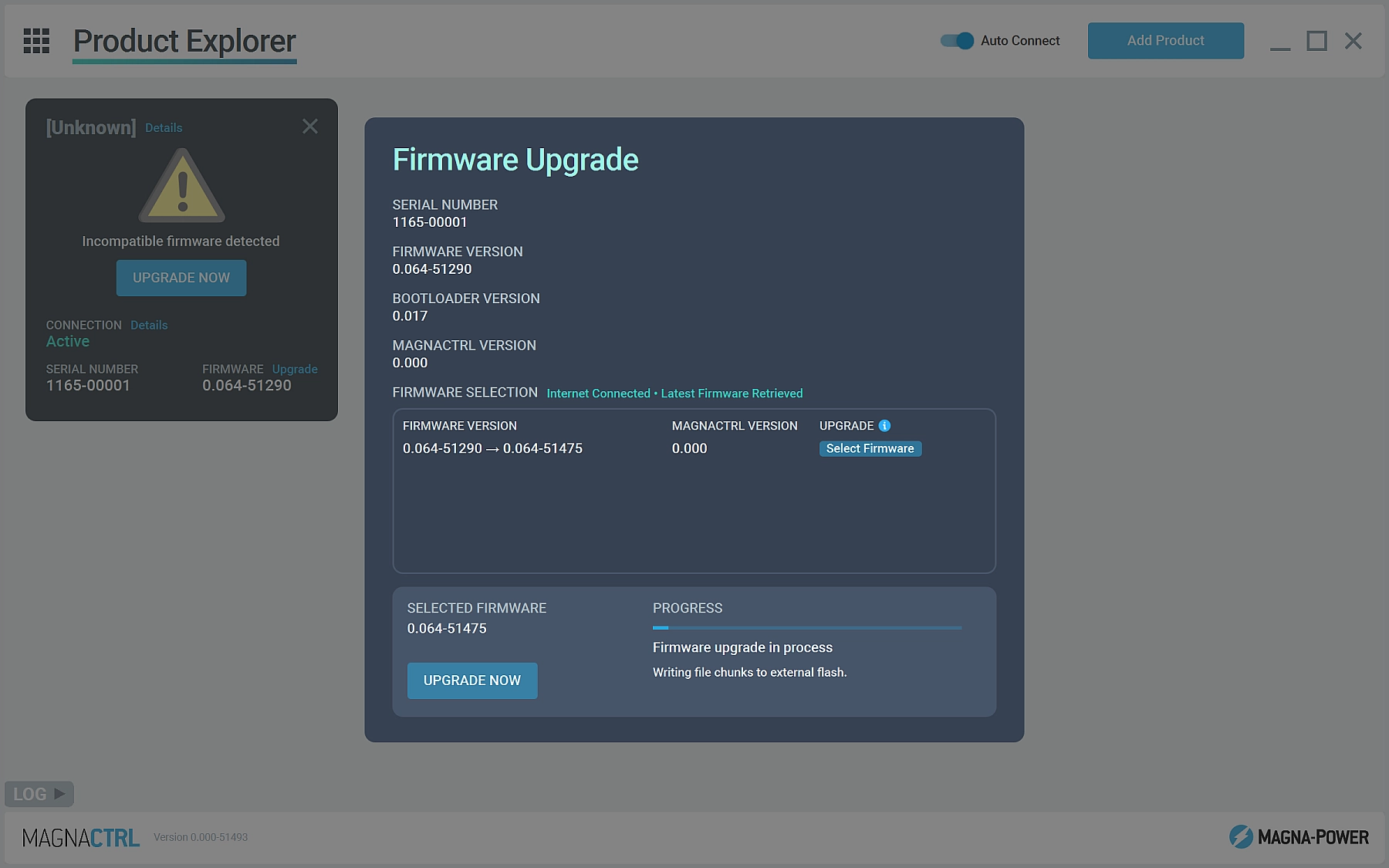
Detect when new versions of firmware or MagnaCTRL software is available and automatically update. Manual firmware updates can also be performed without internet connection.
External User I/O
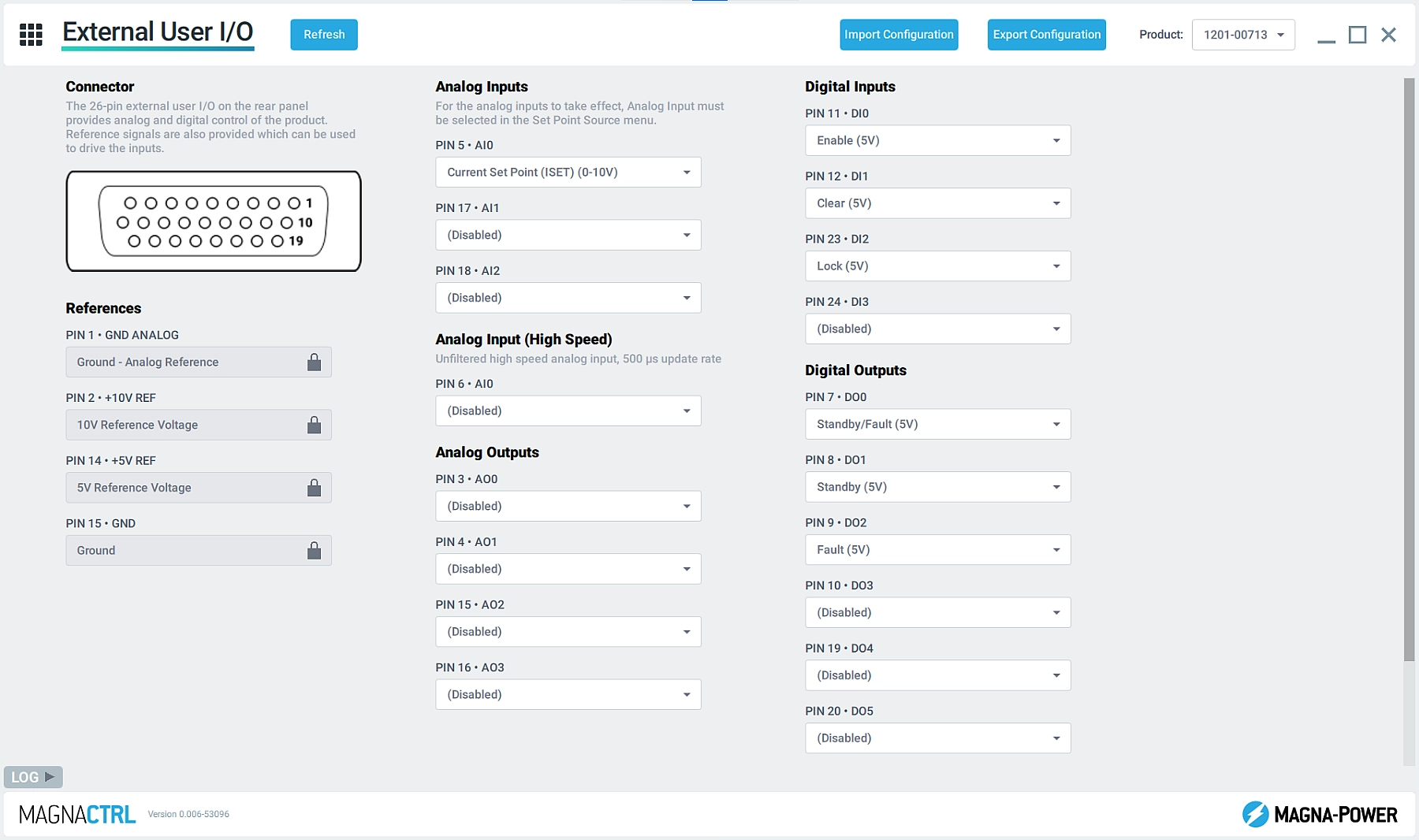
Configure the product's 26-pin external user I/O connector with custom pin mappings, selecting the appropriate parameters for the application. Easily export the pin mappings so they can be imported on other xGen products.
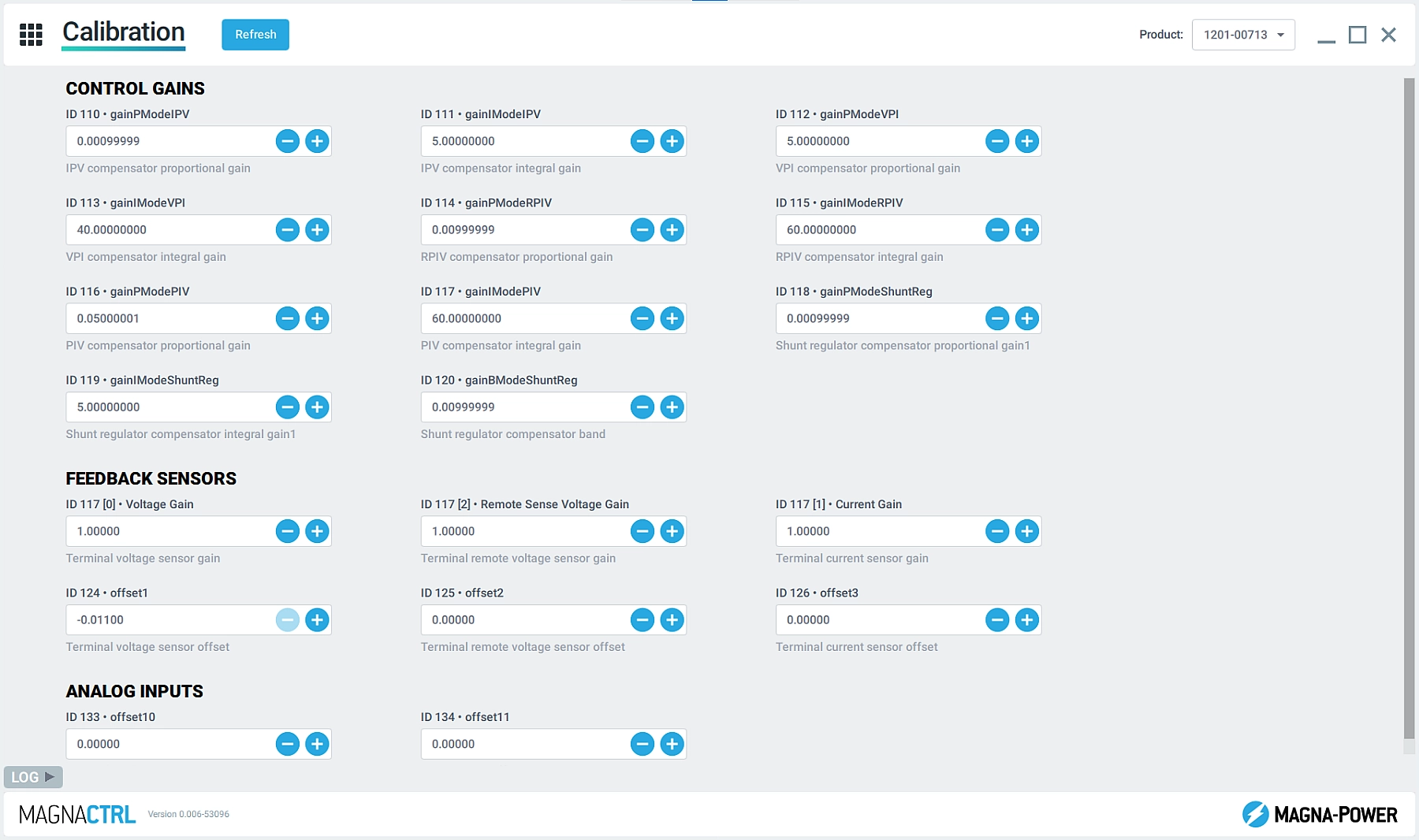
校准
通过编程/测量增益和偏移值来校准产品的各项参数。此外,在 Magna-Power 的指导下,访问控制回路增益参数以调整产品的响应特性。