5.6.2. Reprogramming Product Ratings
At bootup the master detects all the slaves on Port B. If the the product was recently reconfigured for master-slave operation, the front display panel should show a Invalid Product status message since the programmed power rating does not match the one saved. This can also be confirmed by navigating to the About menu and observing the number of slaves detected.
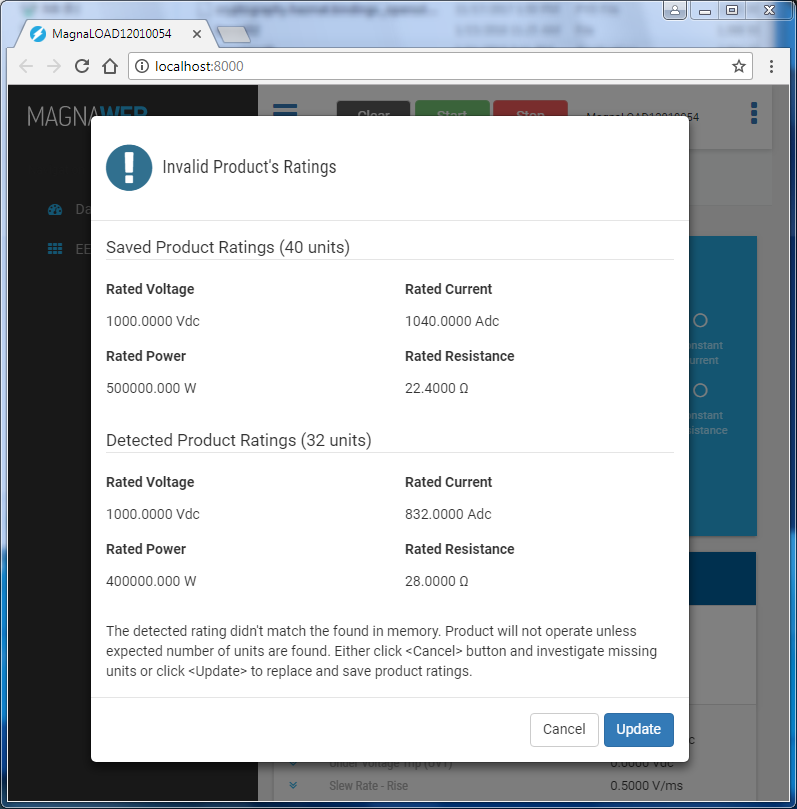
Install and open MagnaWEB software. When the software handshakes with Accessory it will detect the Invalid Product condition and open a product rating dialog, as shown in Fig. 5.8. The dialog shows the programmed product rating followed by the detected product ratings.
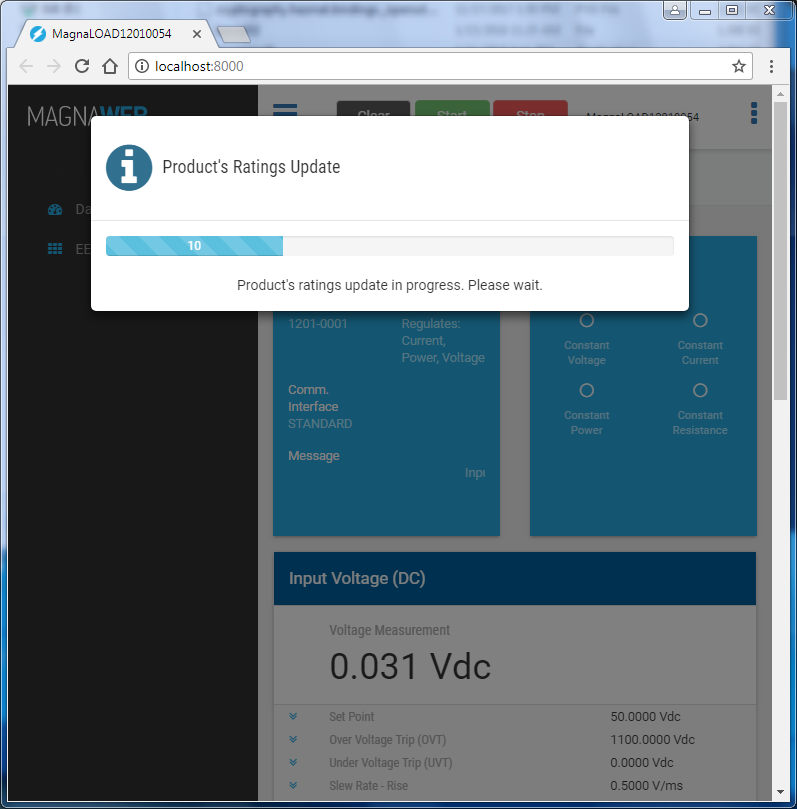
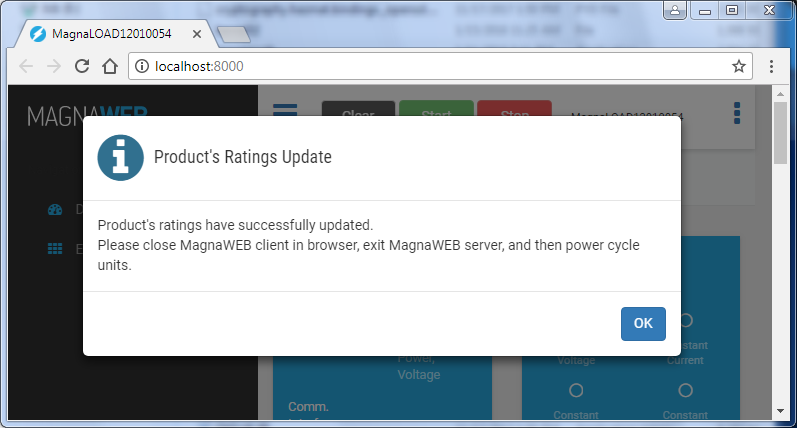
Pressing the Update button will copy the detected product ratings into saved product ratings. A progress bar will appear, as shown in Fig. 5.9, the number represents which slave is updating in the chain. Then the progress bar will validate that all Accessorys have the correctly modified ratings, then show the completion dialog in Fig. 5.10. Shutdown MagnaWEB and move all rockers switches to their off positions. Wait for at least 5 seconds, then turn on all the loads. On boot, the detected product ratings now match the programmed ratings and normal operation is allowed.